How to use the simulator
Start with the Getting Settled walkthrough — booking to your first swing. The shorter clips below cover practice, play, and left-handed setup once you're in the bay.
Getting settled
Watch this first
Quick walkthroughs
Short clips for the things you'll do every session.
Practice
Driving range with full ball + club metrics.
Play a round
Pick a course and start a Local Match.
Left-handed setup
Switch the bay to a left-handed configuration.
After you book
Here's exactly what happens from booking to your first swing.
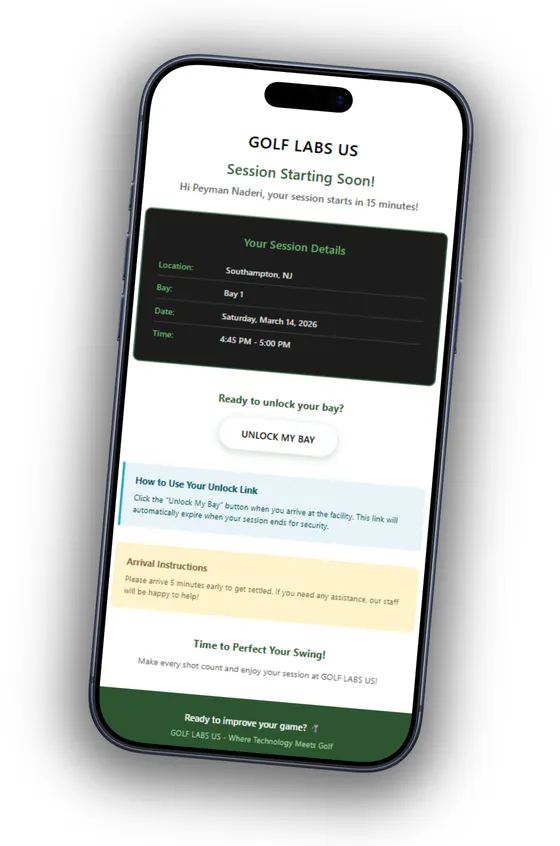
Step 1
Check your email
After booking, you'll receive a confirmation email with your session details and an unlock link.
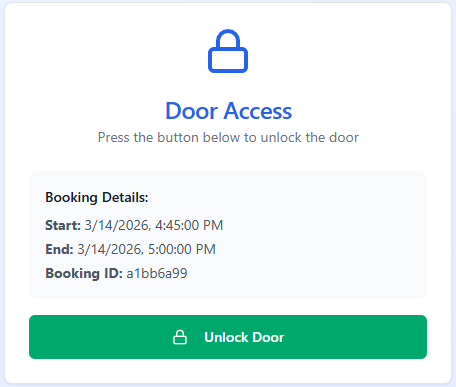
Step 2
Unlock the door
15 minutes before your session, tap the unlock button in your email. The front door unlocks instantly — no keys, no codes.
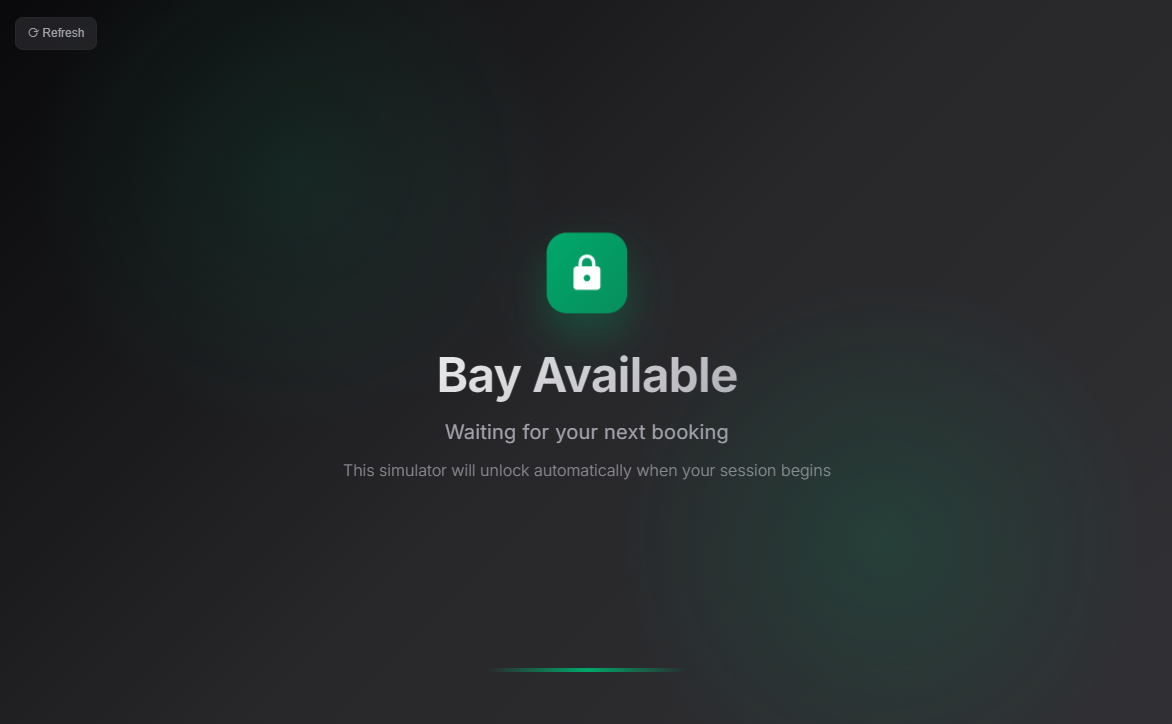
Step 3
The kiosk unlocks
Once you're settled in the bay, the kiosk screen will automatically unlock and show the launch panel.
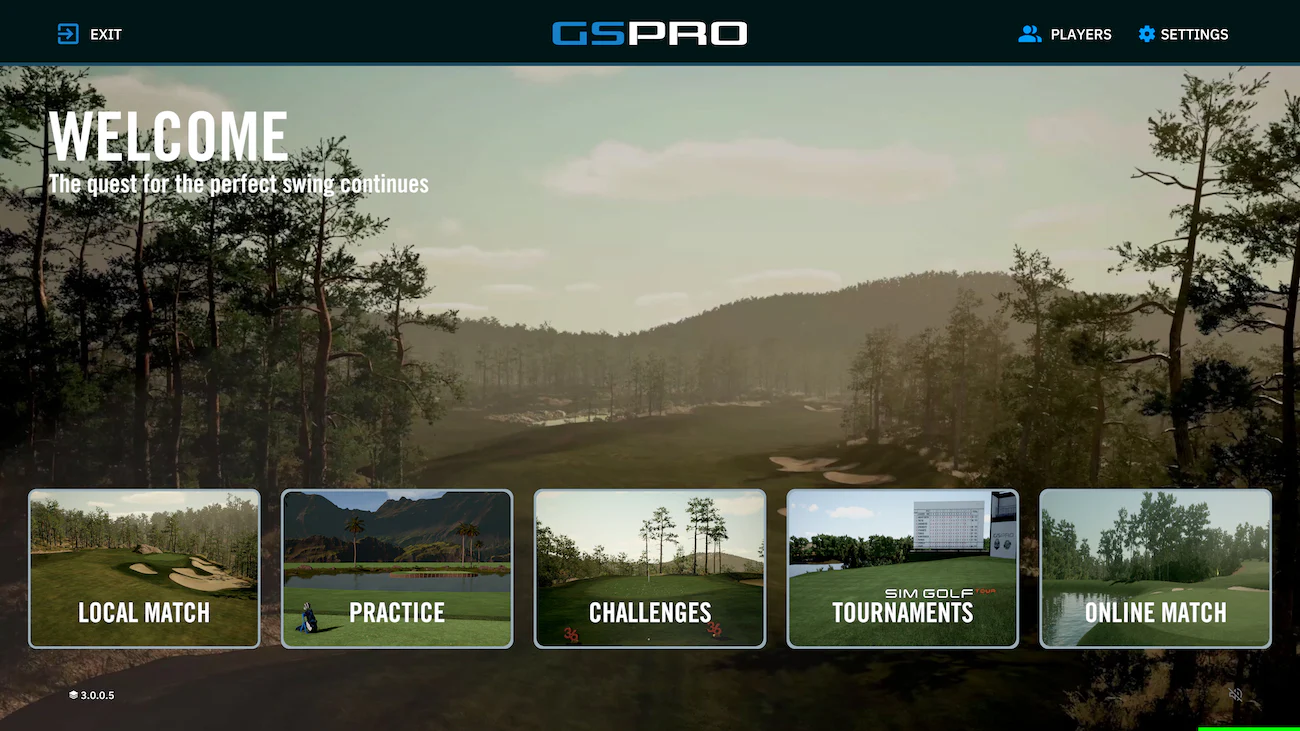
Step 4
Have fun!
Pick Local Match to play on any of the 2400+ courses, or Practice to hit the range with detailed metrics, and Challenges to test your skills.
Practice vs Play
Two modes, two different experiences on the projector.
Practice
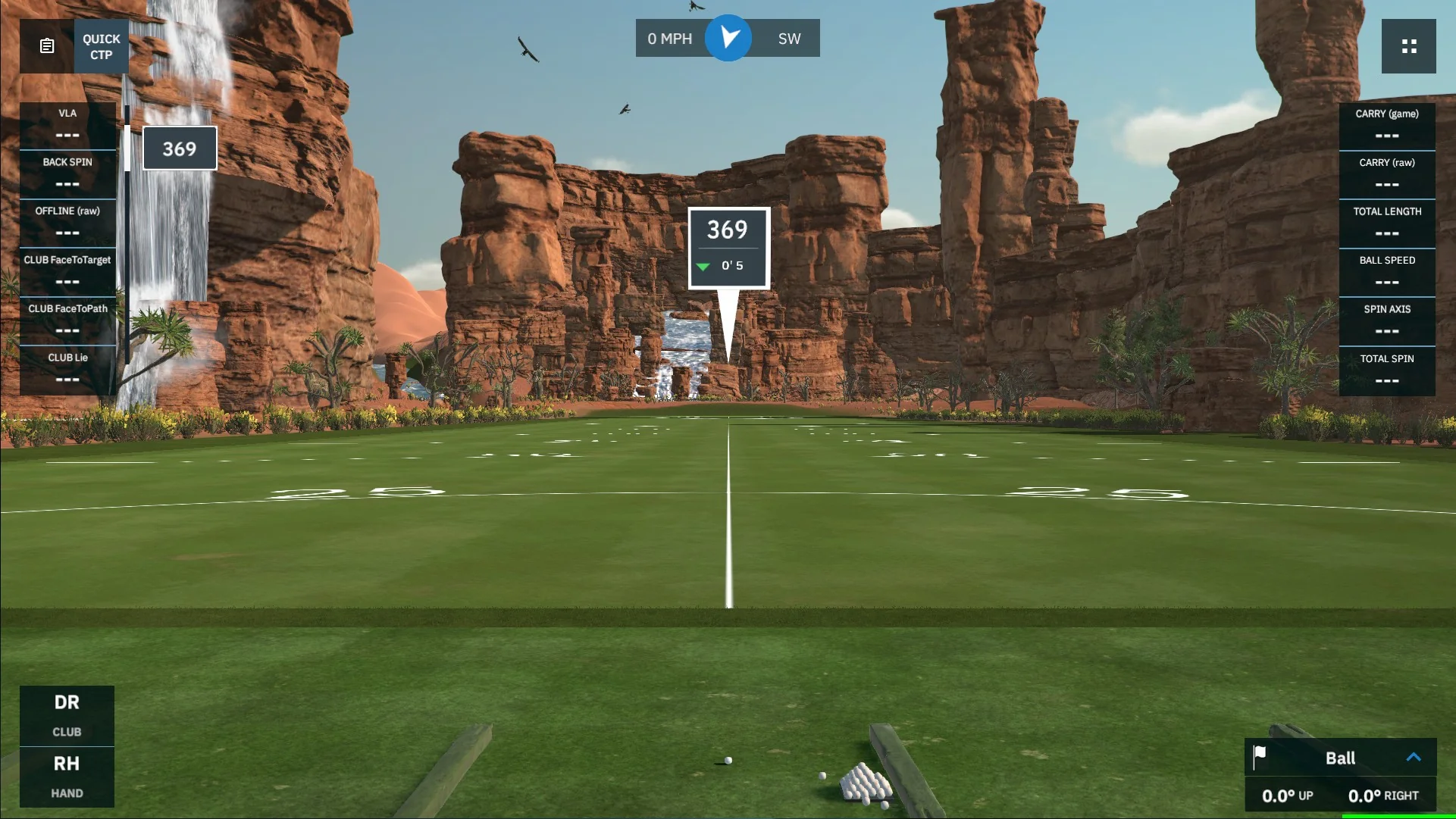
GSPro Practice
- Driving range with full shot data
- Ball speed, launch angle, spin rate, carry distance
- Shot tracer and dispersion on the projector
- Best for warming up or working on your swing
Play
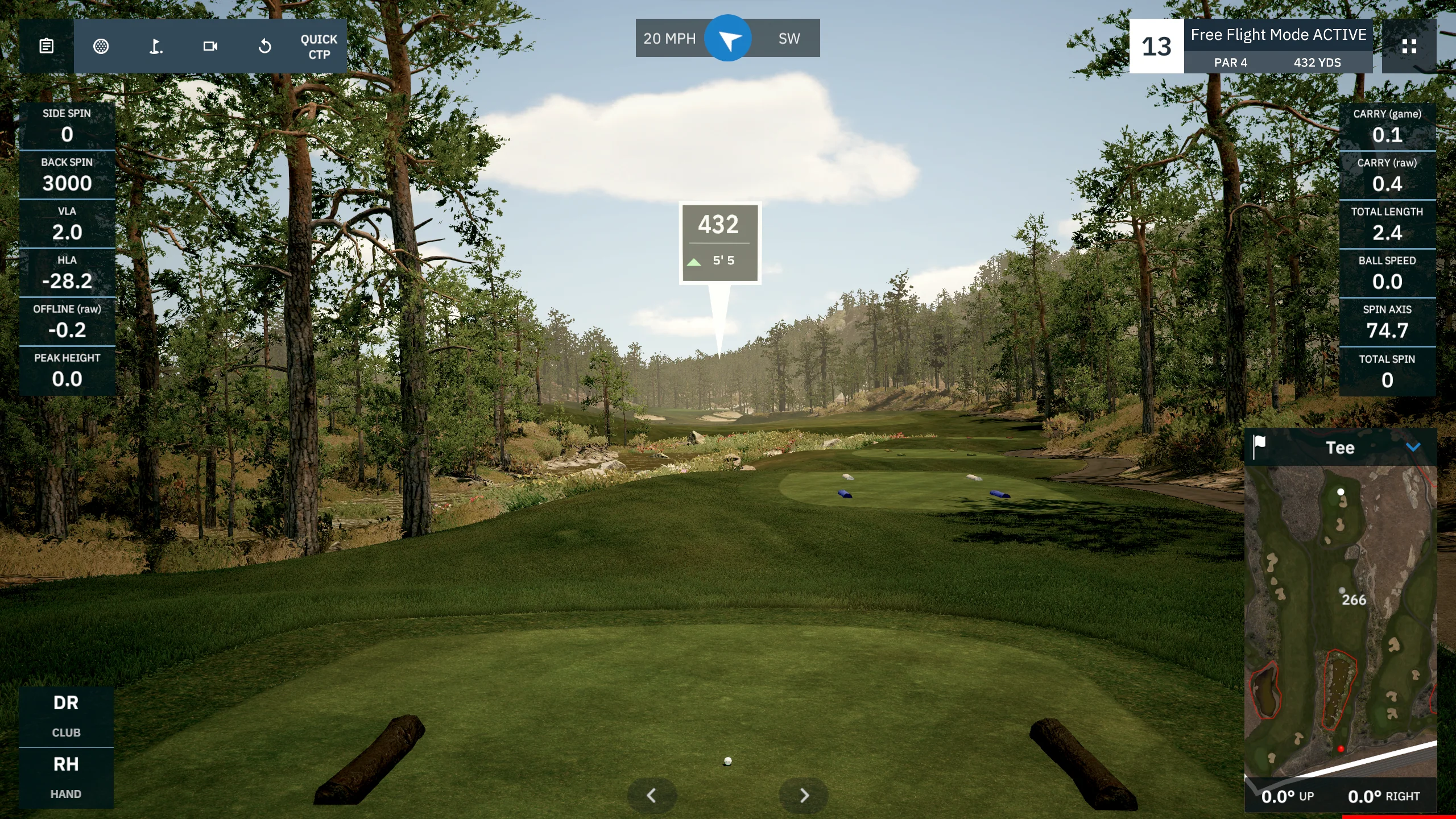
GSPro
- Play full rounds on 2400+ world-famous courses
- Pebble Beach, St Andrews, Bethpage Black, and more
- Realistic course visuals on the projector
- Play solo or compete with up to 4 players
Want club data?
The Uneekor EYE Mini can track club metrics too — club speed, club path, angle of attack, and smash factor. All you need is a reflective sticker on your club face.
We provide the stickers in the bay. They're super easy to stick on before your session and peel off after — no residue, no damage to your clubs.
Metrics you'll get
- Club speed
- Club path
- Angle of attack
- Smash factor
- Face angle
- Dynamic loft
Sticker placement for irons, woods, and drivers — tap to enlarge
Troubleshooting
If something in the bay isn't working, find the situation below and follow the steps.
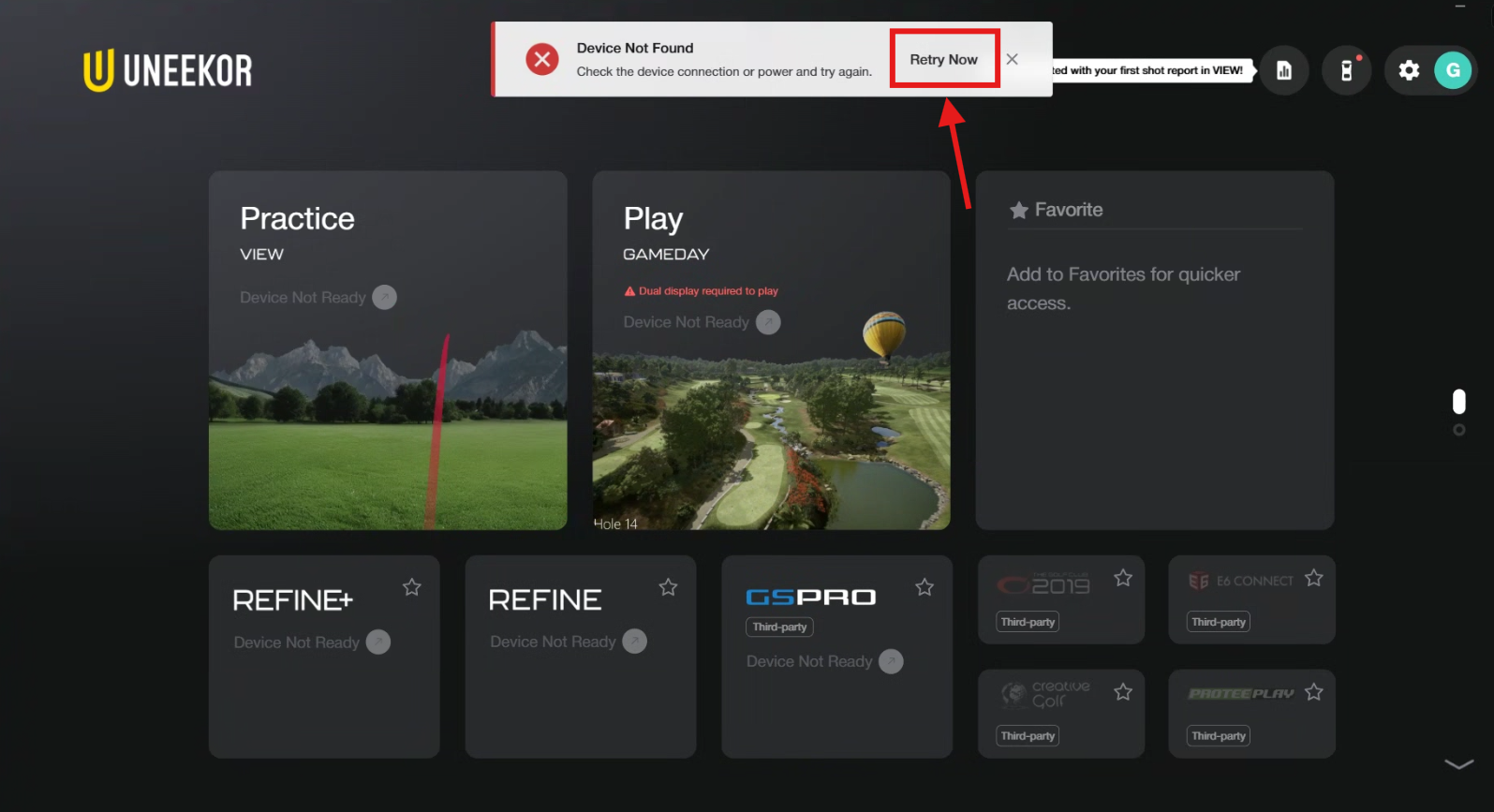
Uneekor shows "Device Not Found"
What to do
Make sure the launch monitor is turned on, then click the Retry Now button at the top of the screen. You are now ready to launch GSPro Third Party App for playing rounds against friends or practice if you'd like to just hit the range with detailed metrics!
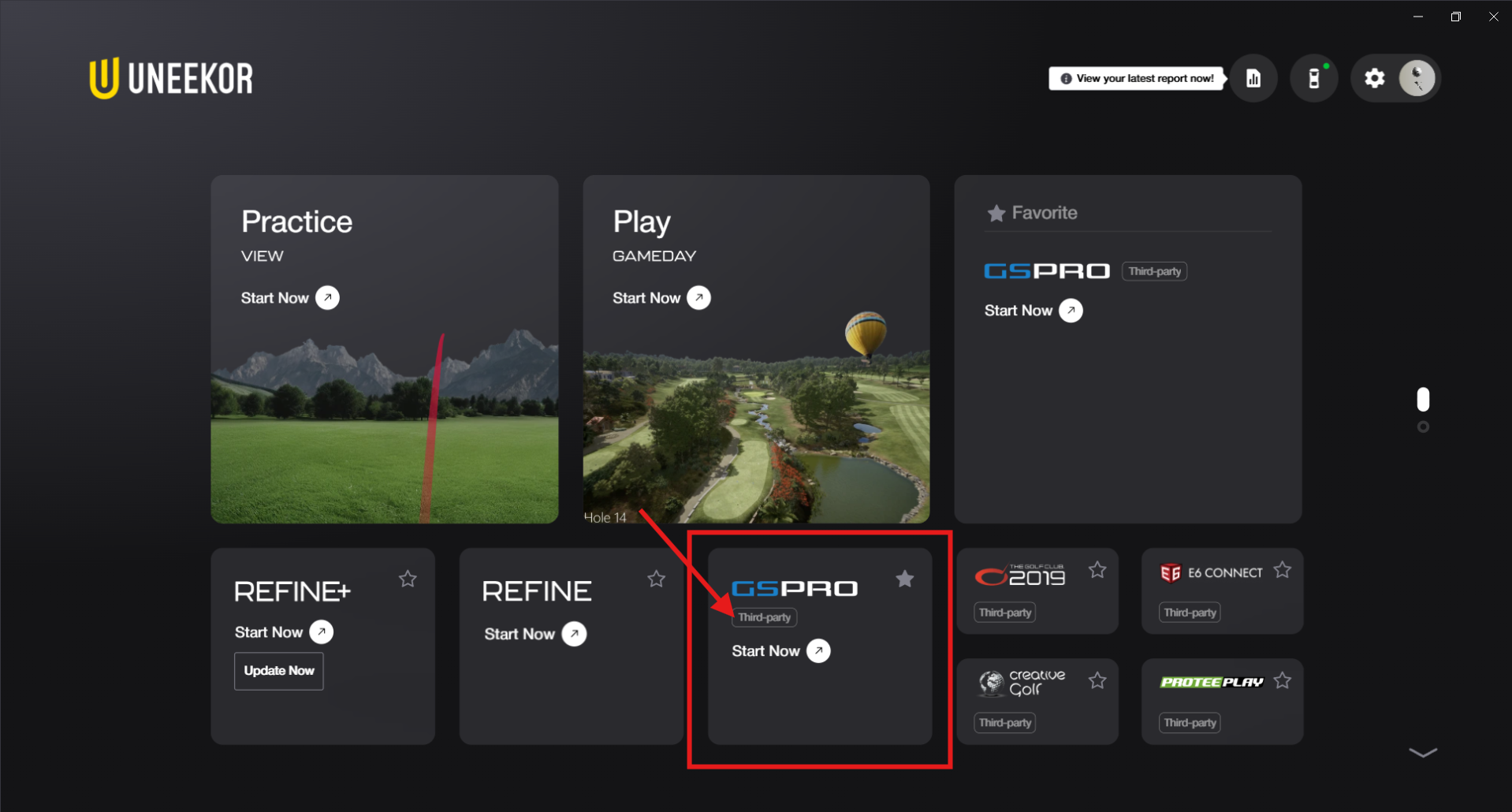
Reconnect to GSPro
What to do
Open the GSPro Connector inside the Uneekor launcher to reconnect to GSPro. If GSPro itself isn't running, open it from the desktop shortcut first, then launch the connector.